Share anything
Send a video or link straight to SeeMeCook, or photograph cookbook pages and recipe cards, up to 10 at a time.
Share a supported TikTok, Instagram or YouTube cooking video, a recipe link, or a cookbook photo. SeeMeCook turns it into a clean recipe and guides you through cooking it.


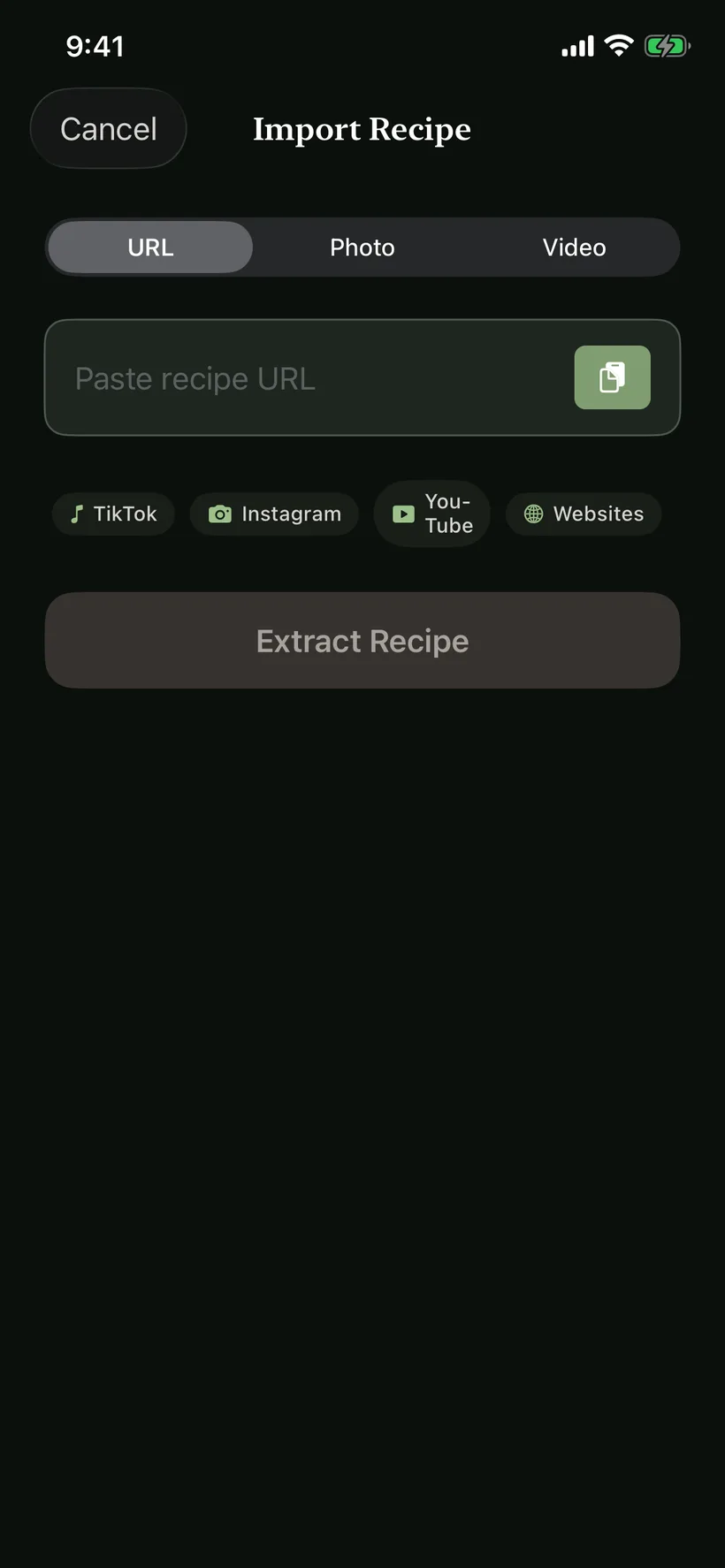
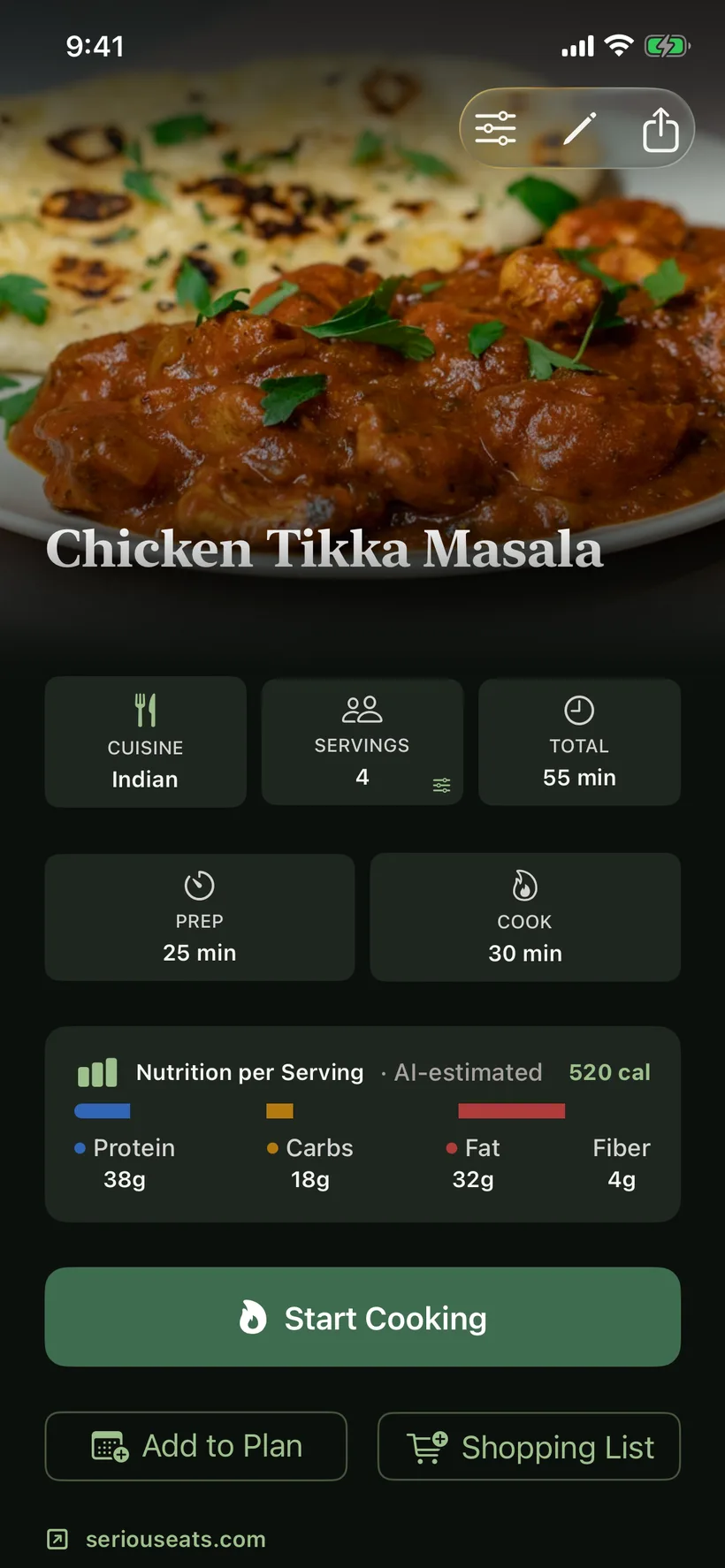
Import a source, check the ingredients and follow the saved recipe at the stove.
Send a video or link straight to SeeMeCook, or photograph cookbook pages and recipe cards, up to 10 at a time.
Ingredients, servings, timing, nutrition, and clear steps arrive already organized. If an import can’t find the recipe, add screenshots or a better link.
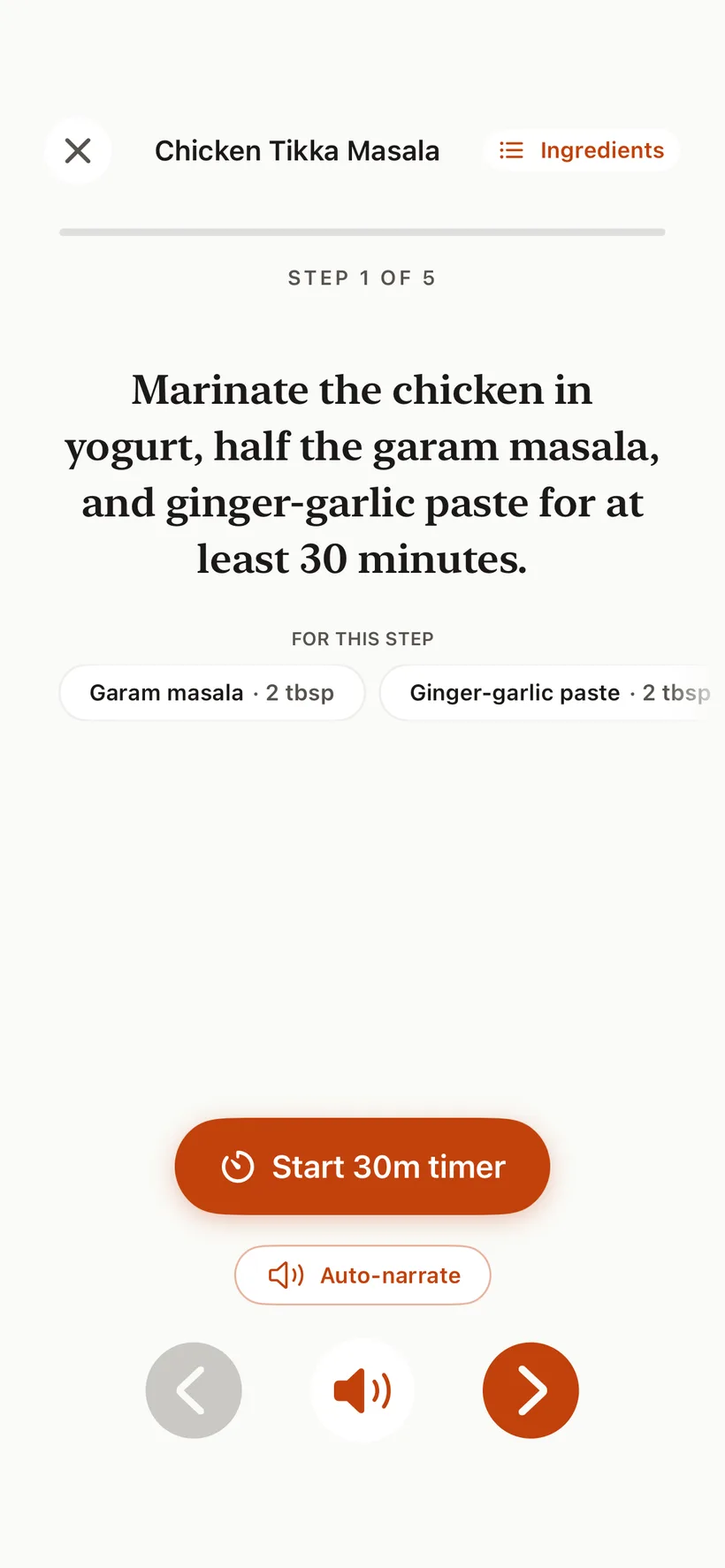
Follow one step at a time with voice guidance, built-in timers, and the ingredients you need.
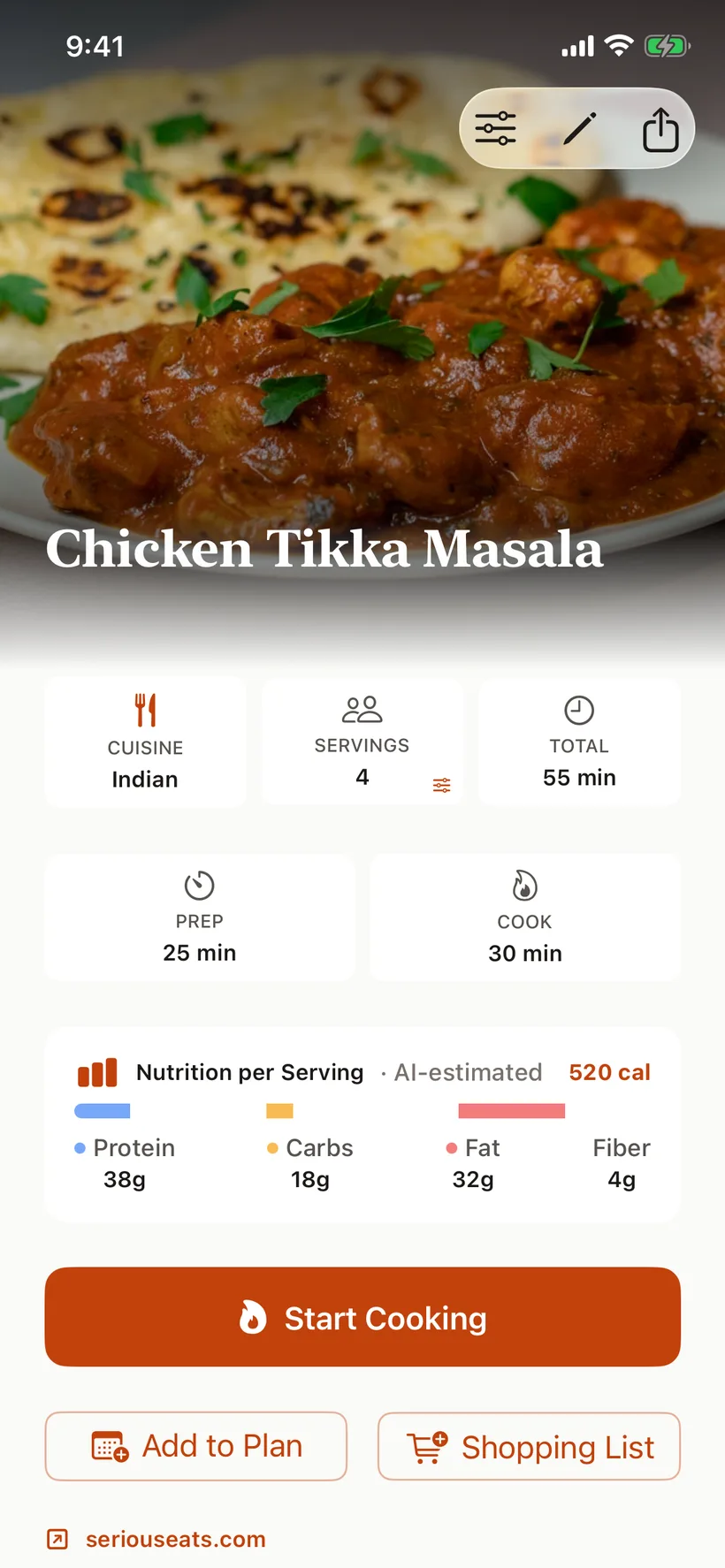
SeeMeCook turns scattered captions, spoken instructions, and web pages into a recipe page that reads like a well-kept cookbook: the photo up top, then times, servings, yield, and nutrition in one overview.
Cooking Mode keeps the current step big, reads it aloud, and puts its ingredients and timers within reach.
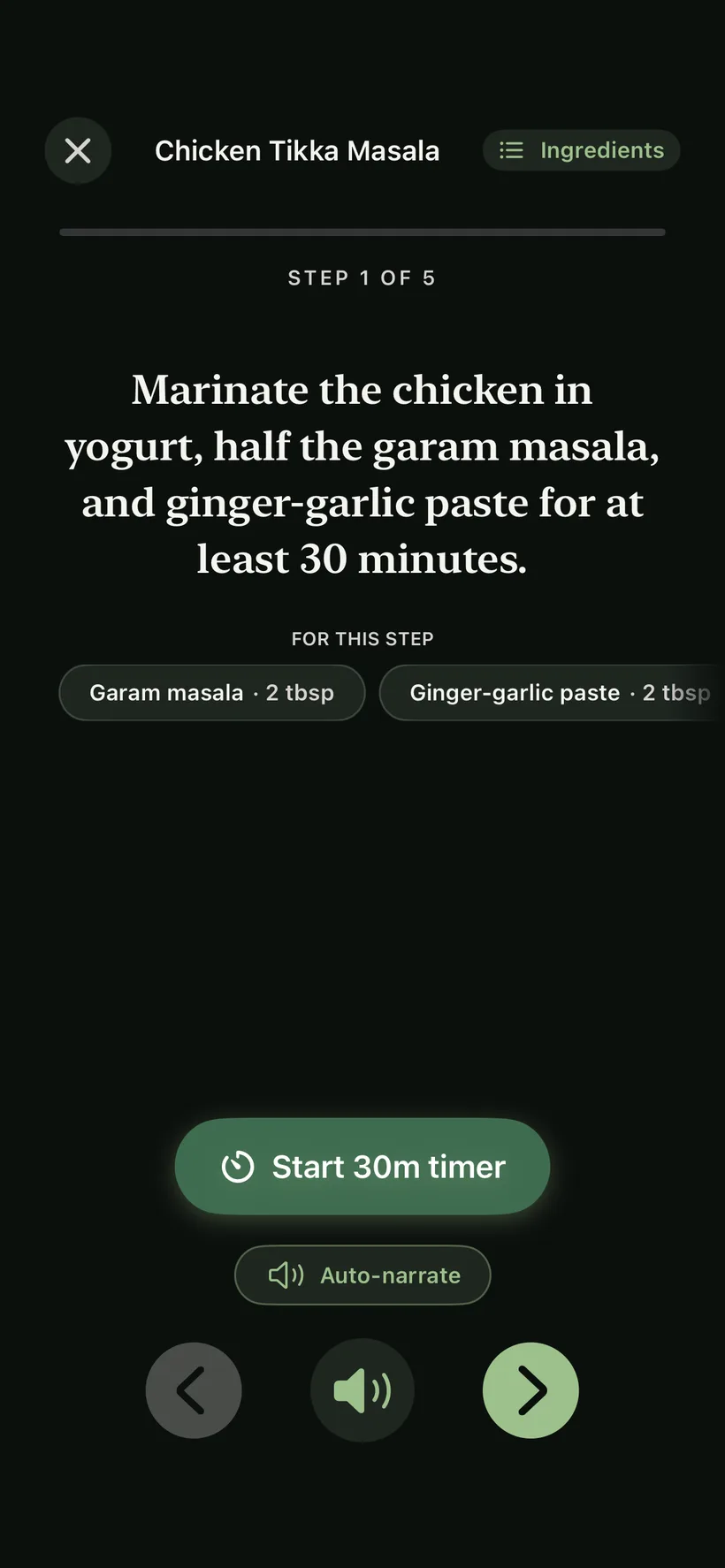
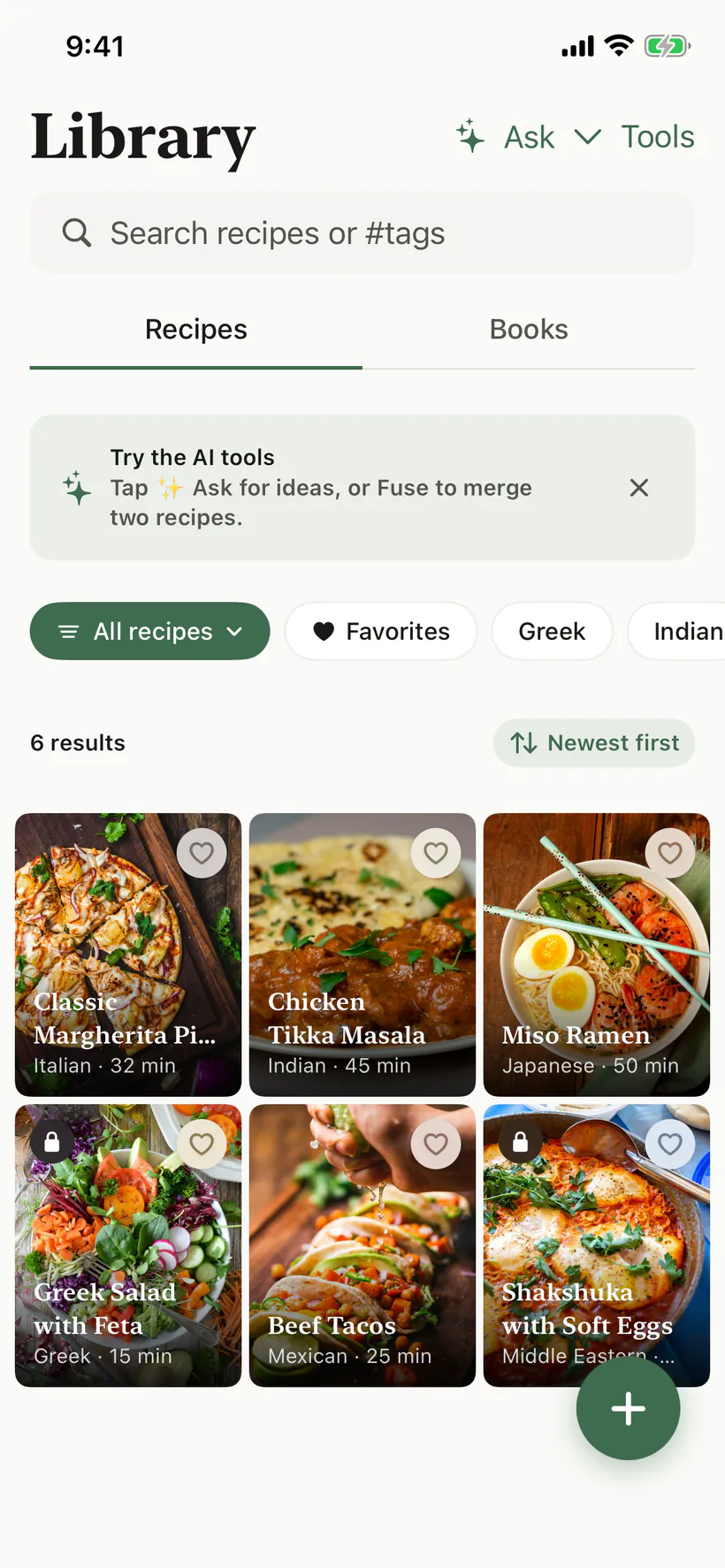
Build a library you actually return to, plan the week around it, and share what you make, in any of 94 languages.
Search by title, ingredient, or tag, file recipes into Books and sub-books, and find tonight’s dinner again next week.
Put recipes on a meal plan, keep track of your pantry, and shop from one list.
Send recipes, follow cooks you trust, and post what made it onto your table.
ReciMe is $39.99 a year in the US. SeeMeCook Pro is $9.99. Keep the extra $30 and get unlimited imports, or start free with 10 imports every week. See the comparison →
US pricing shown. App Store and Google Play display your local price. After the free week, Pro renews automatically unless you cancel.
Your recipes deserve better than the camera roll.
Free to start · 10 recipe imports every week
Share a cooking video or paste its link, then review the written recipe.
Bring the ingredients and method from a paper recipe into your library.
Keep the current instruction and its ingredients in view at the stove.